C#을 통한 캐릭터 제어 및 애니메이션 제어
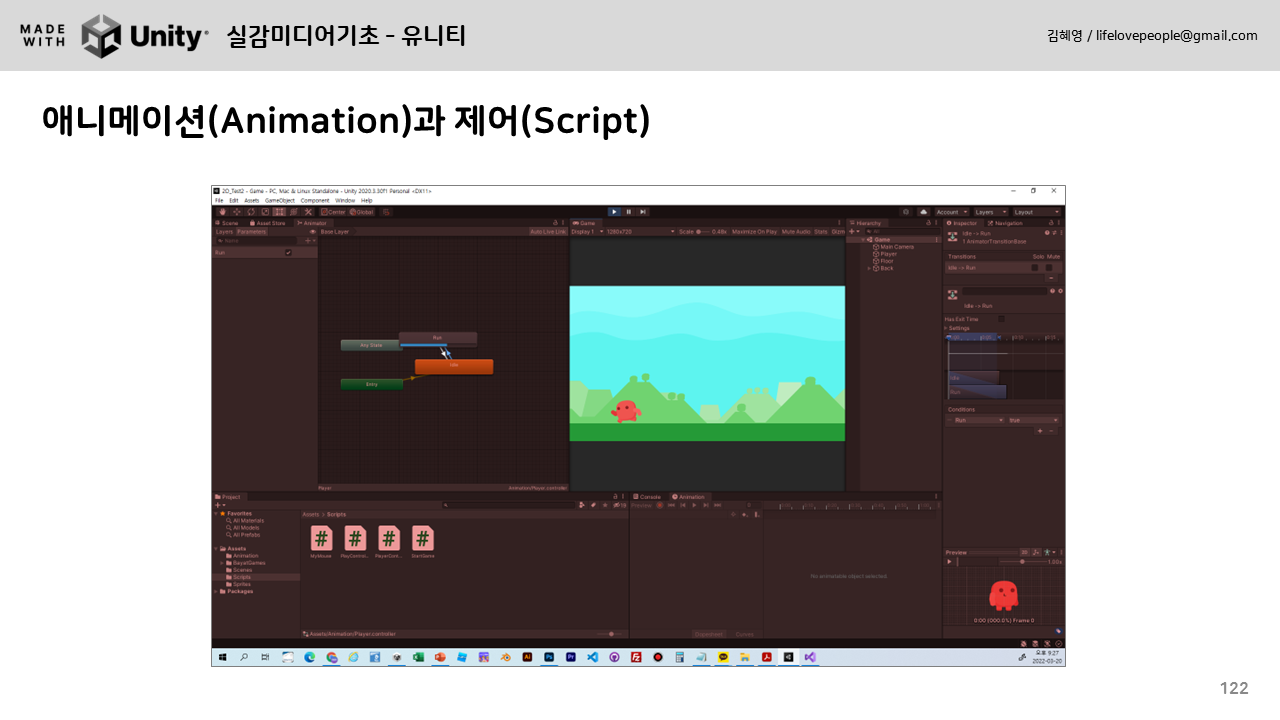
2D 플랫폼 게임을 만드는 방법에 대한 교육용 비디오입니다. C# 스크립트를 사용하여 키보드 입력 값에 따라 캐릭터가 걷고 점프합니다. 변수와 if 조건문을 사용하여 애니메이션을 제어함으로써 달리는 캐릭터의 움직임을 구현할 수 있습니다. 수업 안내 영상에서 내레이션이 생략되었습니다.
사용된 코드는 다음과 같습니다.
using System.Collections;
using System.Collections.Generic;
using UnityEngine;
public class PlayerController2 : MonoBehaviour
{
    private Animator animator;
    private float speed = 0.03f;
    void Start(){
        animator = GetComponent<Animator>();
    }
    void Update()
    {
        Debug.Log("Horizontal: " +Input.GetAxisRaw("Horizontal"));
        Debug.Log("Vertical: " +Input.GetAxisRaw("Vertical"));
        if(Input.GetAxisRaw("Horizontal") < 0 || Input.GetAxisRaw("Horizontal") > 0){
            transform.Translate(speed * Input.GetAxisRaw("Horizontal"), 0, 0);
            transform.localScale = new Vector2(Input.GetAxisRaw("Horizontal"), 1);
            animator.SetBool("Run", true);
        } else if(Input.GetAxisRaw("Horizontal") == 0){
            animator.SetBool("Run", false);
        }
        if(Input.GetAxisRaw("Vertical") > 0){
            Debug.Log("jump");
             transform.Translate(0, speed, 0);
            animator.SetBool("Jump", true);
        } else if(Input.GetAxisRaw("Vertical") == 0) {
            animator.SetBool("Jump", false);
        }
    }
}
2D 플랫포머 게임 만들기 2부~
https://www.youtube.com/watch?v=luT8GF5QrBs&t=2s